

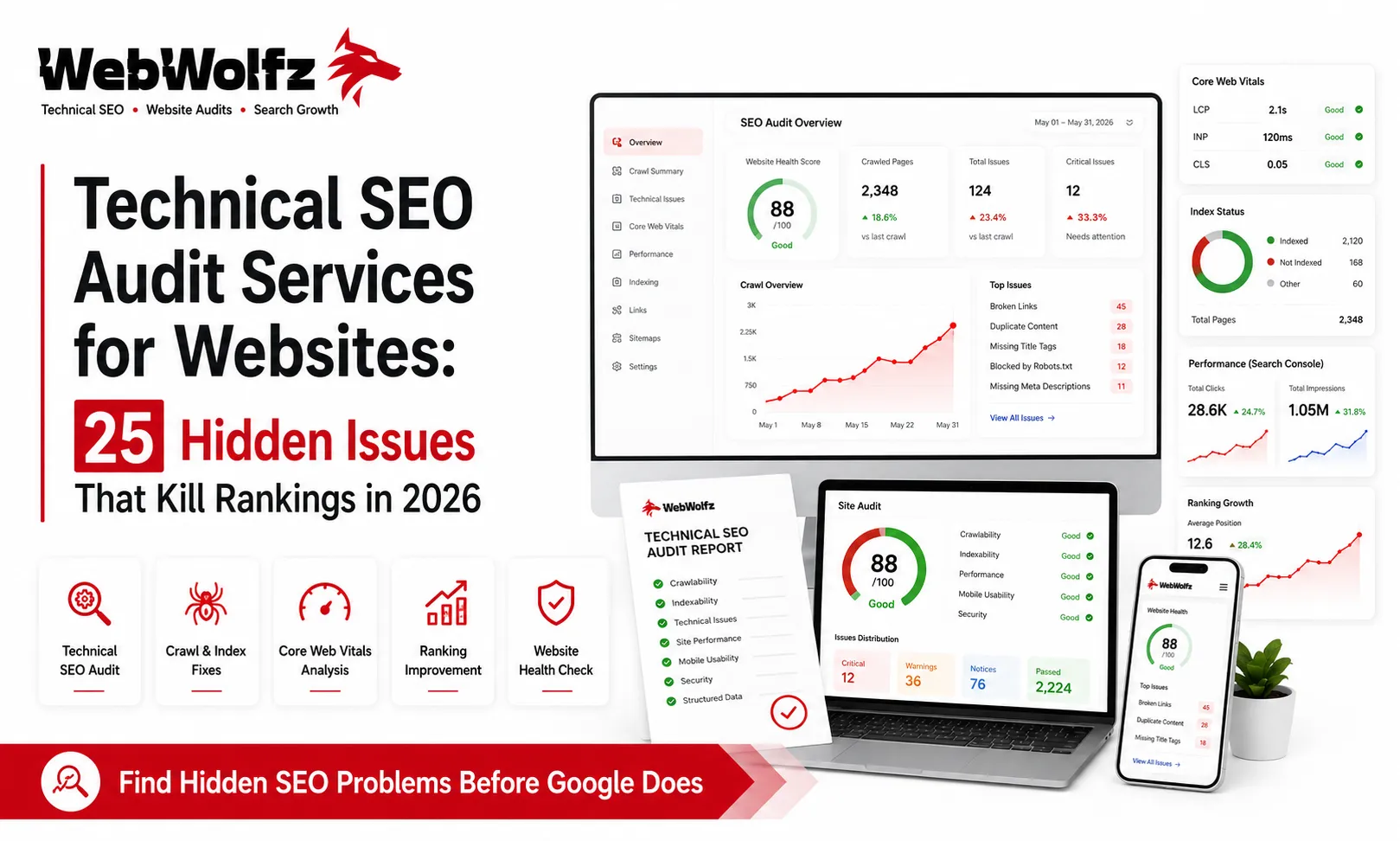
Many business owners assume that if they publish quality content and build backlinks, Google will automatically rank their website.
Unfortunately, that is not always true.
A website can have excellent content and still struggle to rank because of hidden technical issues. In fact, many ranking problems occur long before Google evaluates content quality.
Search engines need to crawl, understand, index, and trust your website before your pages can compete in search results.
This is why professional technical SEO audit services for websites have become essential for businesses that want sustainable organic growth in 2026.
In this guide, we will explore 25 common technical SEO issues that silently damage rankings and explain how fixing them can improve search visibility, user experience, and website performance.
What Is a Technical SEO Audit?
A technical SEO audit is a comprehensive analysis of a website’s technical health.
The goal is to identify issues that prevent search engines from:
- Crawling pages
- Understanding content
- Indexing URLs
- Passing authority correctly
- Delivering a good user experience
Unlike content optimization, technical SEO focuses on the website’s infrastructure.
Businesses seeking professional assistance can explore:
https://webwolfz.com/seo-services/
Why Technical SEO Matters in 2026
Google’s algorithms continue to prioritize:
- Page experience
- Core Web Vitals
- Mobile usability
- Crawl efficiency
- Website security
- Structured data
According to Google’s official documentation, technical performance directly affects how search engines access and evaluate websites.
A technically healthy website provides a strong foundation for content marketing, link building, and on-page optimization.
1. Pages Blocked by Robots.txt
Sometimes important pages are accidentally blocked.
When Google cannot access a page, it cannot rank it.
Always review your robots.txt file carefully.
2. Incorrect Noindex Tags
One misplaced noindex tag can remove valuable pages from Google’s index.
This issue is surprisingly common on WordPress websites.
3. Broken Internal Links
Broken links create poor user experiences and waste crawl budget.
Regular audits help identify and fix these errors.
4. XML Sitemap Issues
A sitemap helps Google discover important pages.
Common problems include:
- Missing pages
- Outdated URLs
- Redirected URLs
- Error pages
Google recommends maintaining accurate XML sitemaps through Google Search Console.
5. Crawl Errors
Crawl errors prevent search engines from accessing content.
Monitor crawl reports regularly through:
https://search.google.com/search-console/
6. Slow Page Speed
Website speed remains a major ranking factor.
Common causes include:
- Large images
- Poor hosting
- Unoptimized code
- Excessive plugins
7. Poor Core Web Vitals
Core Web Vitals measure user experience.
Key metrics include:
- Largest Contentful Paint (LCP)
- Interaction to Next Paint (INP)
- Cumulative Layout Shift (CLS)
Google evaluates these signals when assessing page quality.
8. Mobile Usability Problems
Google primarily uses mobile-first indexing.
Issues include:
- Tiny text
- Clickable elements too close together
- Content wider than screen
Related reading:
https://webwolfz.com/blog/how-seo-helps-small-businesses-grow/
9. Duplicate Content
Duplicate pages can confuse search engines.
Common examples include:
- HTTP and HTTPS versions
- WWW and non-WWW URLs
- Parameter-based duplicates
10. Missing Canonical Tags
Canonical tags help search engines understand which URL should be indexed.
Incorrect implementation often causes indexing issues.
11. Redirect Chains
Multiple redirects slow down crawling and user experience.
Each URL should redirect directly to the final destination.
12. Redirect Loops
Redirect loops can make pages inaccessible to both users and search engines.
These issues should be fixed immediately.
13. Thin Content Pages
Pages with little useful information often struggle to rank.
Technical audits frequently identify low-value pages that need improvement.
14. Orphan Pages
Orphan pages have no internal links pointing to them.
As a result, search engines may never discover them.
15. Weak Internal Linking Structure
Strong internal linking helps distribute authority throughout a website.
Related guide:
https://webwolfz.com/blog/link-building-services-for-websites/
16. HTTPS Issues
Security is essential.
Common problems include:
- Mixed content warnings
- Expired SSL certificates
- Insecure resources
17. Missing Structured Data
Schema markup helps search engines understand content better.
Structured data can improve search visibility through rich results.
18. Index Bloat
Not every page should be indexed.
Low-value pages can dilute website quality signals.
Examples include:
- Tag archives
- Search result pages
- Thin category pages
19. Incorrect Pagination
Large websites often struggle with pagination issues.
Improper pagination can impact crawling and indexing efficiency.
20. Large Image Files
Unoptimized images reduce performance and user experience.
Compressing images often improves loading speed significantly.
21. JavaScript Rendering Issues
Google has improved JavaScript rendering capabilities, but issues still occur.
Important content should remain accessible without rendering problems.
22. Missing Image Alt Text
Alt text improves accessibility and image search visibility.
Although simple, many websites ignore it.
23. Poor URL Structure
SEO-friendly URLs should be:
- Short
- Descriptive
- Logical
Related reading:
https://webwolfz.com/blog/on-page-seo-services-india/
24. Inconsistent Site Architecture
A clear website structure helps both users and search engines.
Complex structures often create crawling challenges.
25. Google Search Console Errors
Many websites accumulate unnoticed issues over time.
Search Console frequently reports:
- Indexing errors
- Coverage issues
- Mobile usability problems
- Security concerns
Regular monitoring is essential.
Technical SEO vs On-Page SEO
Many businesses confuse these two areas.
Technical SEO focuses on:
- Crawling
- Indexing
- Site performance
- Infrastructure
On-page SEO focuses on:
- Content
- Keywords
- Headings
- Internal links
Learn more:
https://webwolfz.com/blog/technical-seo-vs-on-page-seo/
Why Technical SEO Audits Improve Rankings
A professional audit identifies hidden problems before they impact performance.
Benefits include:
- Better crawling
- Faster indexing
- Improved user experience
- Stronger rankings
- Higher organic traffic
This is why many companies invest in technical SEO audit services for websites before launching aggressive SEO campaigns.
Technical SEO and Ecommerce Websites
Ecommerce websites face unique challenges:
- Thousands of URLs
- Filter parameters
- Product variations
- Pagination issues
Helpful resources:
https://webwolfz.com/blog/seo-services-for-ecommerce-websites-india/
https://webwolfz.com/blog/ecommerce-seo-services-for-online-stores/
Technical SEO for New Websites
New websites often struggle with:
- Discovery
- Indexing
- Site structure
- Crawl efficiency
Related guides:
https://webwolfz.com/blog/seo-company-for-new-websites/
https://webwolfz.com/blog/seo-services-for-small-business-in-india/
Why Many Businesses Choose WebWolfz
Technical SEO requires expertise across multiple areas:
- Website architecture
- Crawl analysis
- Performance optimization
- Index management
- Search Console diagnostics
WebWolfz helps businesses identify technical barriers that prevent rankings and organic growth.
Instead of spending hours diagnosing crawl issues, indexing problems, and performance bottlenecks, businesses can work with specialists who understand modern SEO requirements.
Explore SEO services:
https://webwolfz.com/seo-services/
Or discuss your project:
https://webwolfz.com/contact-us
Final Thoughts
Many websites fail to rank not because of poor content but because of technical problems hidden beneath the surface.
Professional technical SEO audit services for websites help uncover issues that affect crawling, indexing, performance, and user experience.
Whether you operate a local business website, ecommerce store, startup platform, or enterprise website, regular technical audits provide the foundation needed for long-term SEO success.
Before investing heavily in content or backlinks, ensure your website’s technical foundation is strong enough to support sustainable growth.
Frequently Asked Questions
What are technical SEO audit services?
Technical SEO audit services identify issues affecting crawling, indexing, site performance, mobile usability, and overall search visibility.
How often should a website undergo a technical SEO audit?
Most websites should conduct a technical SEO audit every 3 to 6 months or after major website updates.
Can technical SEO improve rankings?
Yes. Fixing crawl issues, indexing problems, Core Web Vitals, and site structure can significantly improve search performance.
What tools are used during a technical SEO audit?
Common tools include Google Search Console, Google PageSpeed Insights, Screaming Frog, Ahrefs, and SEMrush.
Why choose WebWolfz for technical SEO audits?
WebWolfz provides detailed technical SEO analysis, crawl diagnostics, indexing audits, Core Web Vitals optimization, and actionable recommendations.