
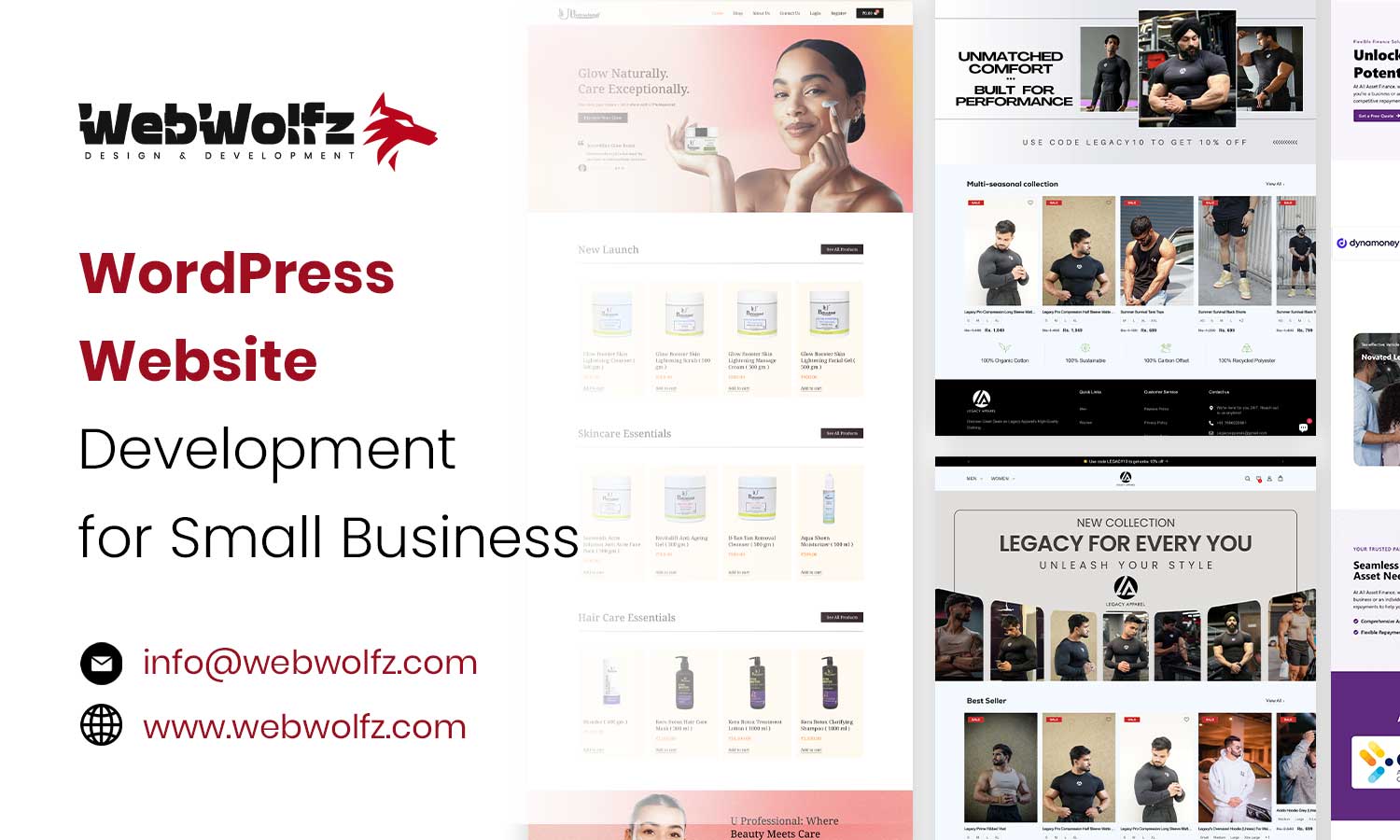
In 2026, a professional website is one of the most important assets for any small business. Customers search online before calling, visiting a store, or making a purchase. If your business does not have a clear, fast, and trustworthy website, you risk losing potential customers to competitors.
This is where WordPress website development for small business becomes a practical and powerful solution. WordPress is affordable, flexible, and easy to manage, even for business owners with no technical background. It allows you to build a mobile-ready, SEO-friendly website that can grow as your business grows.
This guide explains everything you need to know about WordPress website development for small business in 2026. You will learn why WordPress works so well, how to build a website step by step, which plugins are essential, how to optimize for SEO, and when it makes sense to hire a professional agency like WebWolfz to handle everything for you.
Why WordPress Website Development for Small Business Is Essential in 2026
Small businesses today compete not only locally but also digitally. A Facebook page or Instagram profile is not enough. Customers expect a proper website that answers their questions quickly and builds trust.
WordPress helps small businesses solve common challenges. It is low cost compared to custom development. It does not require coding skills. Most themes are mobile responsive by default, which is critical since most users browse on phones.
Another major advantage is ownership. With WordPress, you fully own your website and data. You are not locked into a closed platform. This makes WordPress website development for small business a smart long-term investment rather than a short-term fix.
Benefits of WordPress for Small Businesses

Flexible Themes and Plugins
WordPress offers thousands of themes and plugins that let you customize your website based on your business needs. Whether you run a local service business, a consultancy, or a small online store, WordPress can be shaped to match your goals.
Themes control how your website looks. Plugins add features like contact forms, SEO tools, security, speed optimization, and online payments.
Easy Setup and Management
WordPress is known for its user-friendly dashboard. You can update text, add blog posts, upload images, or change contact details without hiring a developer every time.
This is especially useful for small business owners who want control without technical complexity.
Built-In SEO Advantages
WordPress is SEO-friendly by design. With the right structure and plugins, it becomes easier to rank on search engines for keywords related to your business.
This makes WordPress website development for small business ideal for businesses that want organic traffic without spending heavily on ads.
Scalable from Simple Website to eCommerce
You can start with a basic website and later add advanced features like online booking, eCommerce, membership systems, or automation tools. WordPress grows with your business.
Step-by-Step WordPress Website Development for Small Business

Below is a clear and practical process that small businesses can follow.
Step 1: Choose a Domain Name and Hosting
Your domain name should be easy to remember and related to your business name or service. Avoid long or complicated names.
Next, choose reliable hosting. Popular hosting providers for WordPress include Bluehost and SiteGround. They offer good performance, security, and one-click WordPress installation.
Good hosting is critical for website speed and uptime.
Step 2: Install WordPress
Most hosting providers offer one-click WordPress installation. After installation, you will get access to the WordPress admin panel where you control your entire website.
At this stage, your website will look basic. That is normal. Design and customization come next.
Step 3: Select a Business-Friendly Theme
Choosing the right theme is important for both design and performance.
Themes like Astra and Divi are popular for WordPress website development for small business because they are lightweight, customizable, and compatible with page builders.
Avoid themes that are overloaded with unnecessary features, as they can slow down your website.
Step 4: Build Essential Pages
Every small business website should include these core pages:
-
Home page that clearly explains what you do
-
About page that builds credibility and trust
-
Services or Products page that explains your offerings
-
Contact page with forms, phone number, and address
These pages should be written in simple, clear language that your customers understand.
Step 5: Customize with Page Builders
Page builders like Elementor make WordPress website development much easier. You can design pages visually by dragging and dropping elements.
This allows you to create professional layouts without coding. You can adjust colors, fonts, spacing, and sections easily.
Essential Plugins and Tools for Small Business WordPress Websites
Plugins add functionality to your website. Below are essential categories and recommended tools.
| Category | Recommended Plugins | Purpose |
|---|---|---|
| SEO | Rank Math or Yoast SEO | Optimize content for search engines |
| Forms | Contact Form 7 or WPForms | Capture leads and inquiries |
| Security | Wordfence or Solid Security | Protect against threats |
| Speed | WP Rocket or caching plugins | Improve website loading speed |
| Backup | UpdraftPlus | Regular website backups |
Using the right plugins ensures your WordPress website development for small business is secure, fast, and reliable.
SEO and Optimization Tips for Small Business WordPress Websites

SEO is one of the biggest advantages of WordPress, but it must be done correctly.
Optimize for Local SEO
Most small businesses serve specific locations. Add your address, phone number, and service area clearly. Integrate Google Business Profile and embed Google Maps on your contact page.
Improve Mobile Performance
Google prioritizes mobile-friendly websites. Use responsive themes, compress images, and avoid heavy scripts.
Image Optimization and Accessibility
Always compress images and use descriptive alt text. This improves speed and accessibility. Many modern SEO and accessibility practices follow global web standards defined by the World Wide Web Consortium (https://www.w3.org/).
Cost of WordPress Website Development for Small Business

One major reason businesses choose WordPress is affordability.
Basic costs include domain and hosting. Development cost depends on design complexity, features, and customization. A simple website costs less, while advanced websites with SEO setup, custom design, and integrations cost more.
Even then, WordPress website development for small business remains far more affordable than custom-built websites.
DIY vs Hiring a Professional WordPress Agency
Many small business owners start by building their website themselves. This works if you have time and are comfortable learning.
However, DIY websites often face issues like poor design, slow speed, weak SEO, and security gaps. Fixing these later can cost more than doing it right from the beginning.
If you do not want to spend weeks learning themes, plugins, SEO, speed optimization, and security, hiring a professional agency makes sense.
Agencies like WebWolfz handle everything from strategy and design to development, SEO, and ongoing support.
You can explore professional web development services here:
https://webwolfz.com/web-development-service/
Launch Checklist for Your WordPress Website
Before going live, complete these checks:
-
Test website speed and aim for under 3 seconds
-
Check mobile responsiveness on different devices
-
Test all contact forms and email notifications
-
Add Google Analytics and Search Console
-
Review content for clarity and errors
A proper launch ensures good first impressions and SEO performance.
Ongoing Maintenance and Updates
WordPress websites need regular maintenance. Update plugins, themes, and core files to avoid security issues.
Backups protect your data. Security scans reduce risk. Content updates keep your website fresh and relevant.
Small businesses that maintain their websites regularly perform better online.
👉 Want a Professional WordPress Website Without the Hassle?

If you want a fast, secure, and SEO-optimized WordPress website without spending weeks learning everything yourself, professional help can save time and money.
👉 Talk to the WebWolfz team here:
https://webwolfz.com/contact-us/
WebWolfz builds WordPress websites that are designed for small business growth, lead generation, and long-term scalability.
Common Mistakes Small Businesses Should Avoid
Many small businesses make avoidable mistakes such as using too many plugins, choosing cheap hosting, ignoring SEO setup, or skipping security.
Planning properly and following best practices helps avoid these problems.
WordPress vs Other Website Builders for Small Businesses
Platforms like Wix or Squarespace are easy but limited. SEO control, customization, and scalability are restricted.
WordPress offers full ownership, flexibility, and long-term growth potential. This is why WordPress website development for small business remains the preferred choice in 2026.
Final Thoughts
In 2026, WordPress continues to be the most practical and powerful platform for small businesses. It is affordable, flexible, SEO-friendly, and scalable.
A well-built WordPress website builds trust, attracts customers, and supports growth. You can build it yourself if you have time, or you can work with experts who do it every day.
If your goal is to grow your small business online without unnecessary complexity, WordPress is the right platform. And if you want it done professionally, WebWolfz is ready to help you every step of the way.